Admins can customise how your company site looks and feels by applying their Company's own branding, colour theming, and the default currency on the Appearance page
Click the Icon in the top right, then Settings and navigate to the Appearance tab
Logo
Upload your company logo and the loading-screen variant. Accepted formats: PNG, JPG or SVG, up to 2 MB each.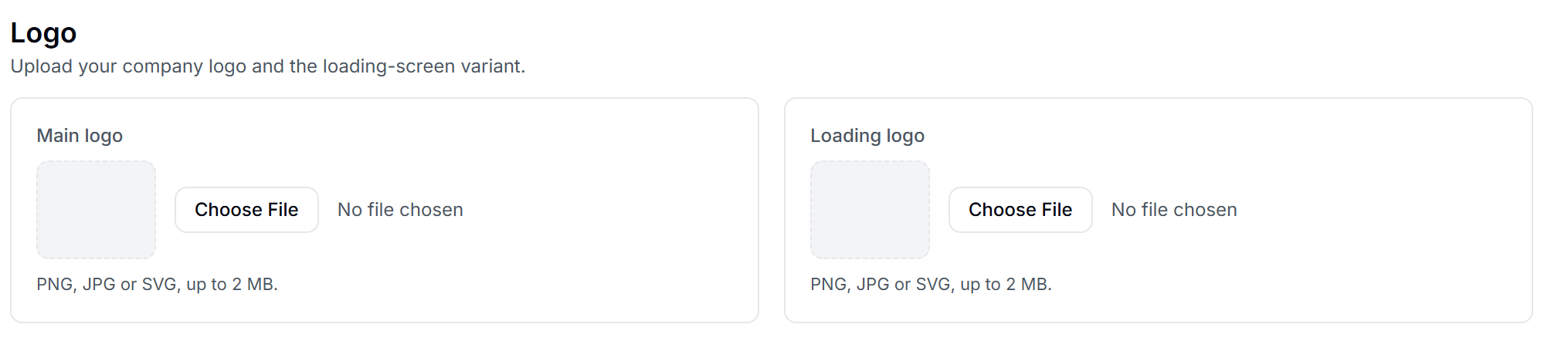
Colours
Pick the colours used across reports and the client portal:
- Primary
- Secondary text
- Chart — low
- Chart — mid
- Chart — high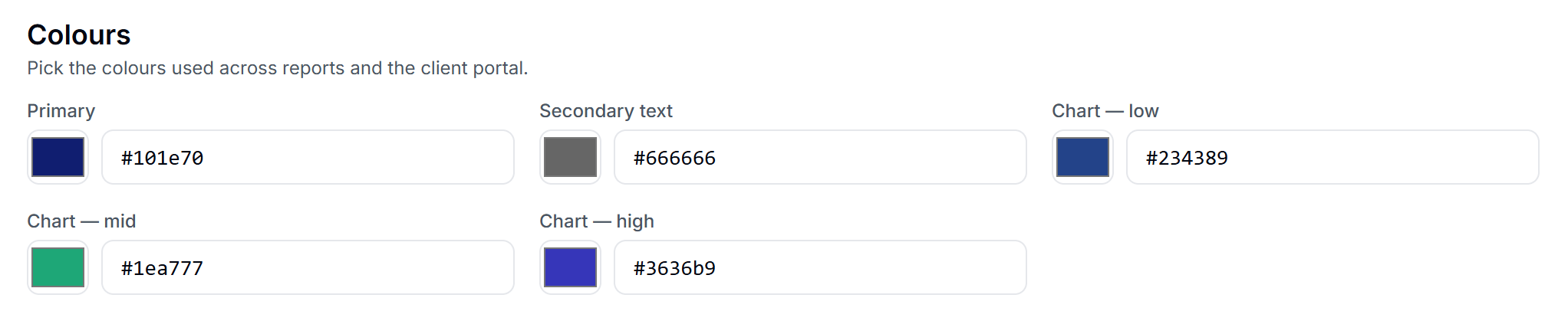
Each colour can be set using a hex code.
Currency
Choose the default currency used when displaying monetary values across the platform.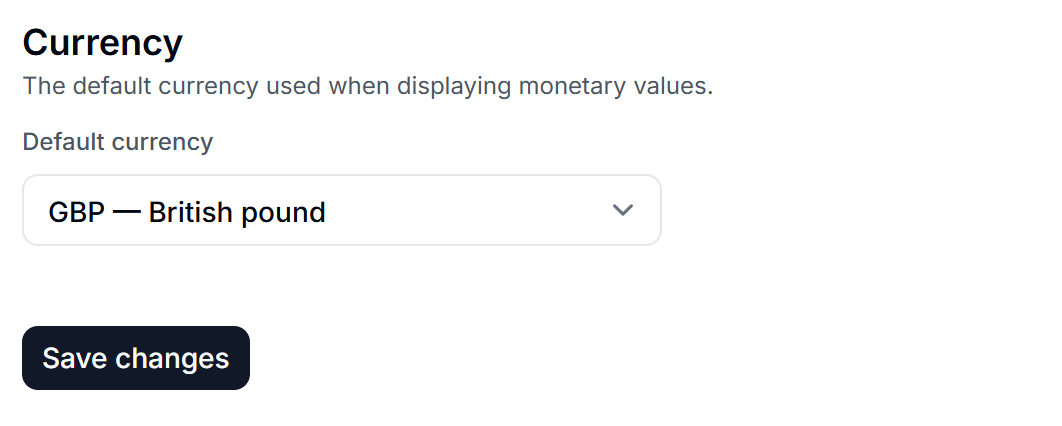
Once you're happy with your changes, press Save changes. Changes apply across the platform immediately.
English
![oxfordrisk.zendesk.comhctheming_assets01HZPK08F39VSQFMWBN7WG19VM.png]](https://help-centre.oxfordrisk.com/hs-fs/hubfs/social-suggested-images/oxfordrisk.zendesk.comhctheming_assets01HZPK08F39VSQFMWBN7WG19VM.png?height=40&name=oxfordrisk.zendesk.comhctheming_assets01HZPK08F39VSQFMWBN7WG19VM.png)